IT & professional services
Assign enquiries to sales or support, keep contact context in the conversation and record the next action in a private note.
Shared inboxHyderabad · Telangana
Bring IT enquiries, retail conversations and appointment coordination into a shared WhatsApp workspace. Choose a clear first workflow and let the right teammate own the next step.

Practical starting points in Hyderabad
Start with a defined business process, then add the tools and information it needs.
Assign enquiries to sales or support, keep contact context in the conversation and record the next action in a private note.
Shared inboxAnswer collection questions and share catalog items. Prepare relevant promotional updates for customers who opted in.
Retail workflowsCollect appointment preferences and route them to the front desk. Keep confirmation and clinical questions within the organization’s approved processes.
Healthcare workflows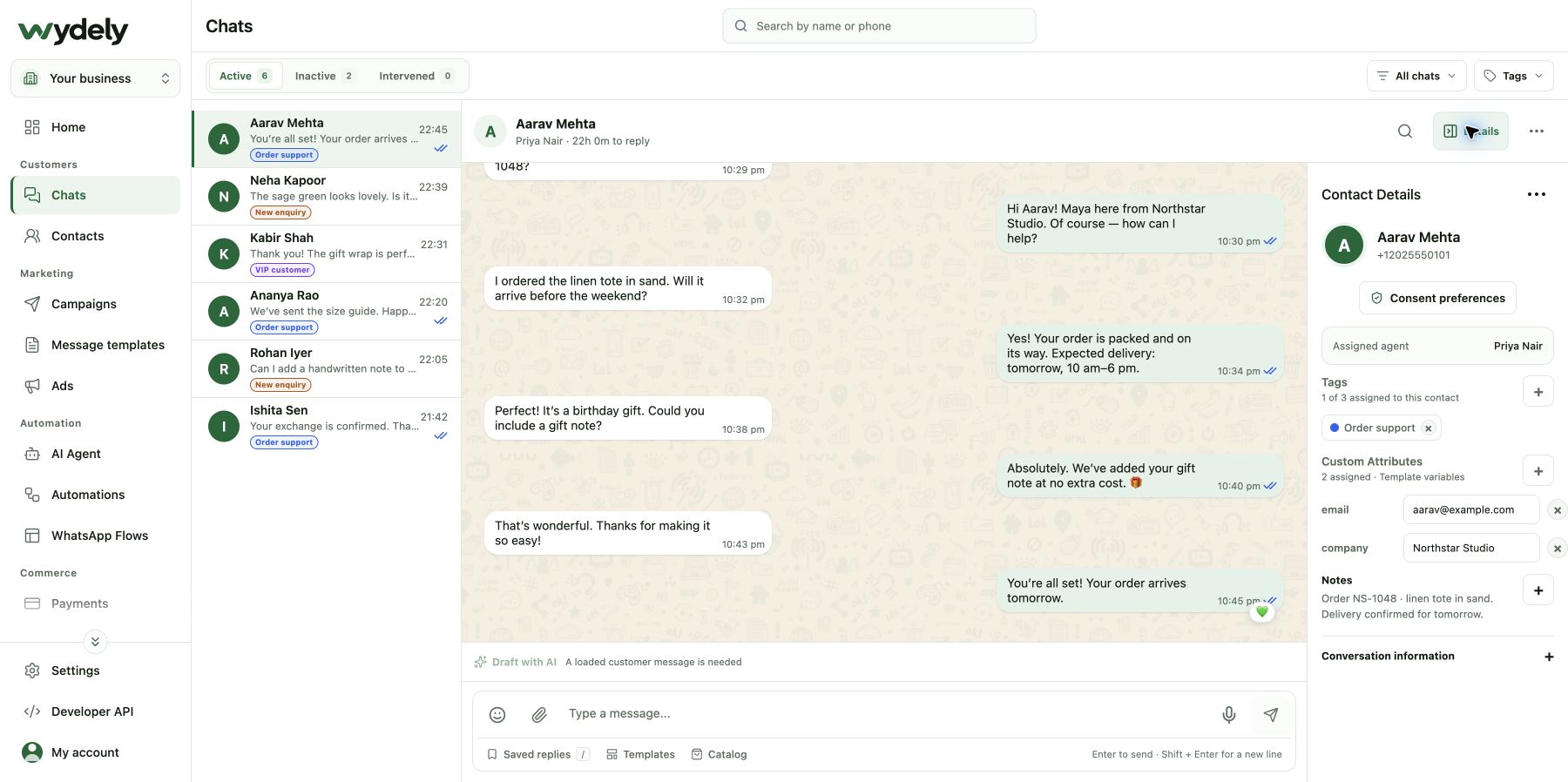
See customer conversations, contact details and the assigned teammate together. Keep coordination in private notes while the customer receives a clear reply.
A practical starting point
Example workflow · configure and test it for your team before using it with customers.
Ask what kind of help the customer needs and capture only the details required for routing.
Give the conversation a responsible owner with the contact context and private notes available.
The teammate checks the relevant source system and replies with reviewed information.
Plan the setup and cost
Looking for more detail? Read the Hyderabad business workflow guide.
Review a scheduling integration, approved templates and the data needed for each reminder. Appointment preferences must be confirmed by your team or scheduling system before a confirmation is sent.
Review an API workflow that maps the source event, order reference, recipient and approved template. Keep product or order facts in the source system and test the integration before enabling it.
Make the next step concrete
Walk through a real enquiry or operational update. Explore the product tools, account requirements and setup your team will need.
See how Wydely can support your team’s messaging workflow. Review account setup and requirements in a demo.

Your WhatsApp workspace
Every hello deserves a next step.
One workspace for the conversations your team handles every day.
Let’s explore it together
Tell us what your team handles today. We’ll explore the relevant tools and setup together.
Messaging depends on account eligibility, approved templates and applicable WhatsApp policies.