
Explore Wydely
Meet your WhatsApp workspace.
Go inside the inbox, prepare a campaign and explore the automation builder. Choose a screen and enlarge it to inspect the details.
Watch Wydely in action · 2 min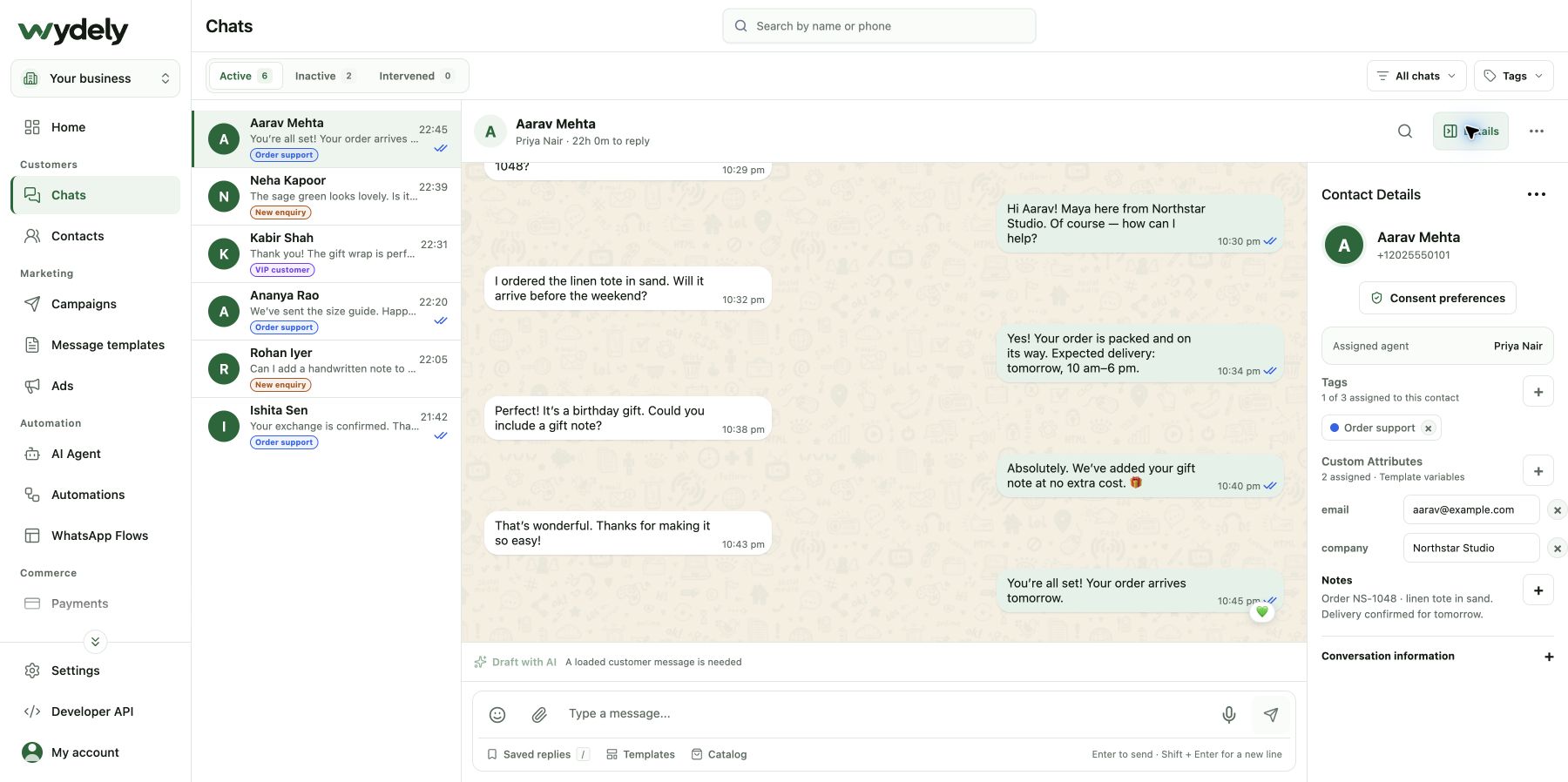
Shared inbox
Every chat. The right teammate. All the context.
See incoming conversations, assign an owner and keep contact details, tags and private notes beside the chat.
- One view for your customer chats
- Clear conversation ownership
- Contact details beside every reply
Campaigns
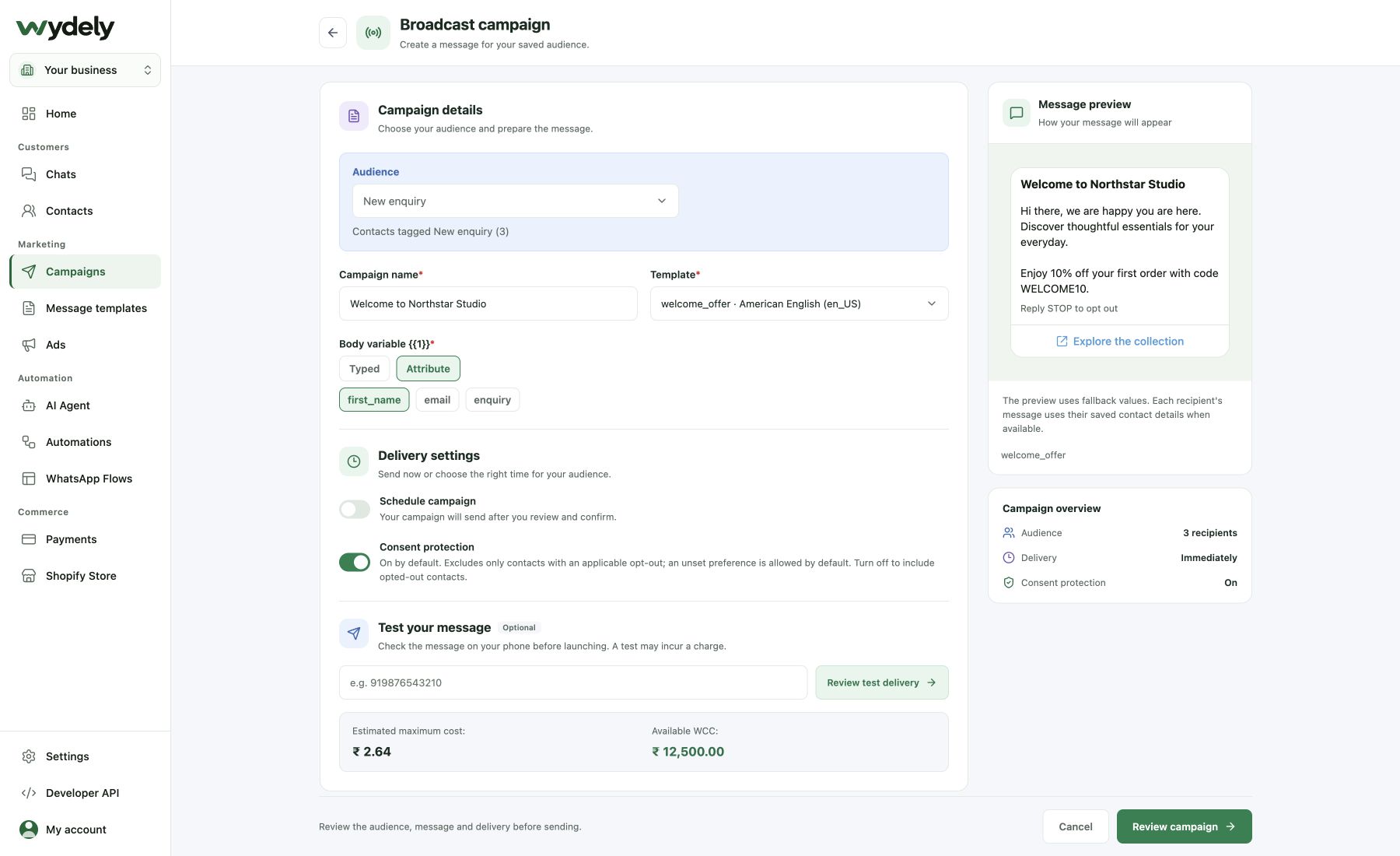
Build the message. Choose who receives it.
Select a tagged audience, personalize an approved template and review the message before you send or schedule it.
- Audience selection by tags
- Template personalization and preview
- Review and scheduling controls
Automations
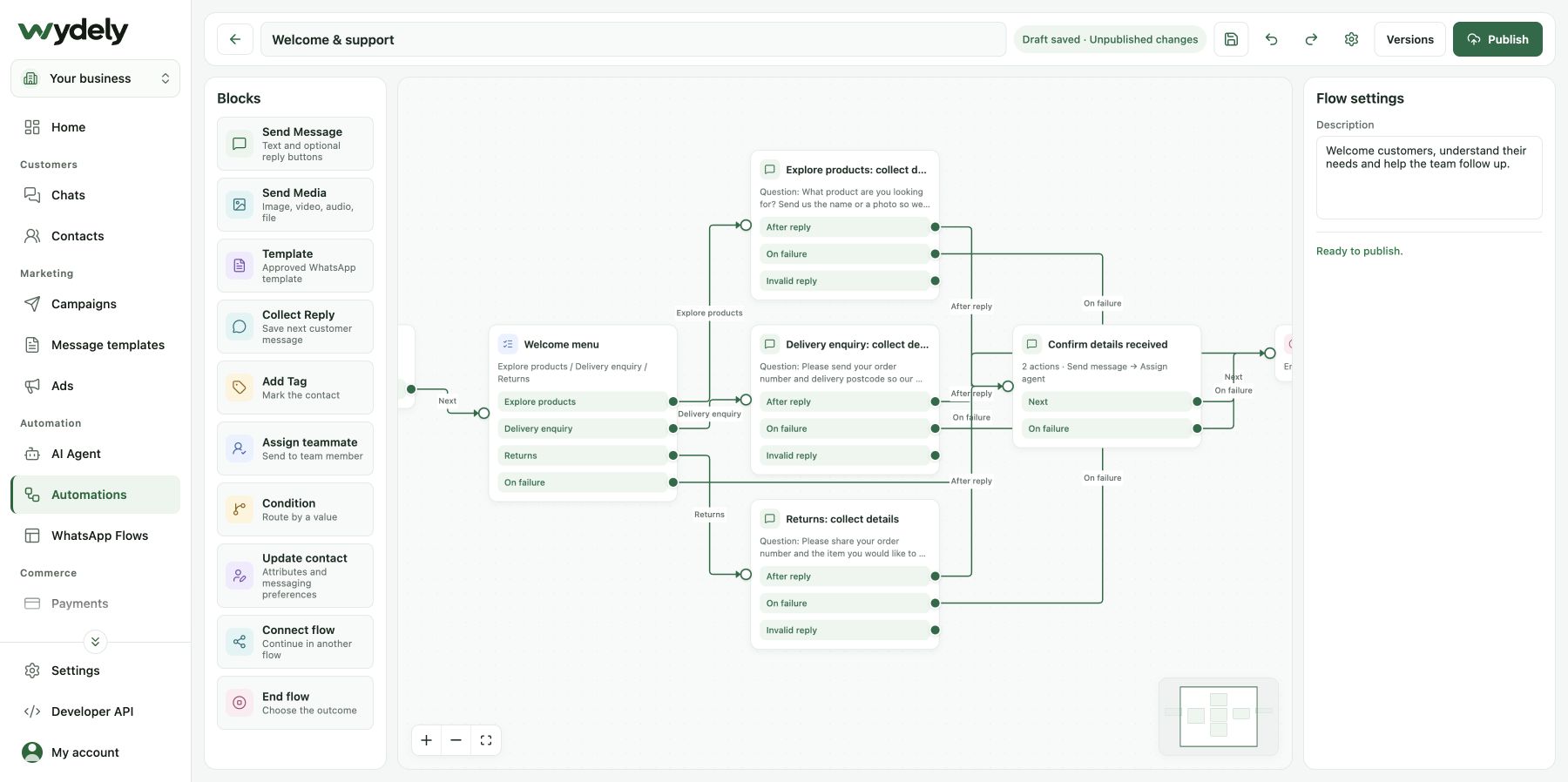
Turn repeatable questions into a visual flow.
Connect messages, questions and branches in the builder. Collect answers, update contact details and bring in a teammate.
- Drag-and-drop conversation blocks
- Questions, answers and branches
- A path to team handoff
Actual Wydely interface, shown with sample customer data. Choose a screen to take a closer look.
A two-minute introduction
See Wydely come to life.
From the first customer question to the next follow-up, see how your team can bring conversations, campaigns and automation together in Wydely.
- Team inbox
- Campaigns
- Automation & AI
 Wydely in action2 minute overview
Starts muted. Use the speaker icon for sound.Wydely product UI with demo data. Customer chat scenes are illustrative.
Watch on YouTubePut the product in context
Follow a customer journey.
Explore three sample workflows step by step. These explain how a team can use the tools; the messages are illustrative.
Contact context: new enquiry · exploring team support
- Step 1
- Step 2
- Step 3
Start the reply with customer context.
See the incoming message and contact details together, then ask a useful question from the shared inbox.
Now let’s make it about your business.
Bring a real workflow to a demo. We’ll discuss the relevant features and setup with you.