

The WhatsApp Green Tick is a verification badge that confirms a business account has been verified by Meta, helping customers recognize and trust the official business behind a WhatsApp conversation. For growing brands and enterprises, this added layer of verification can make customer interactions feel more credible and professional.
Getting verified involves meeting Meta’s eligibility requirements and using the WhatsApp Business Platform through an official WhatsApp API service provider. The provider can help with account setup, API provisioning, business verification, and the application process, but Meta makes the final decision on whether a business receives the verification badge.
What Green Tick Verification Actually Signals to Customers
The Green Tick is Meta's official badge of verification for WhatsApp Business accounts. Receiving this badge changes how your profile interacts with users across the platform:
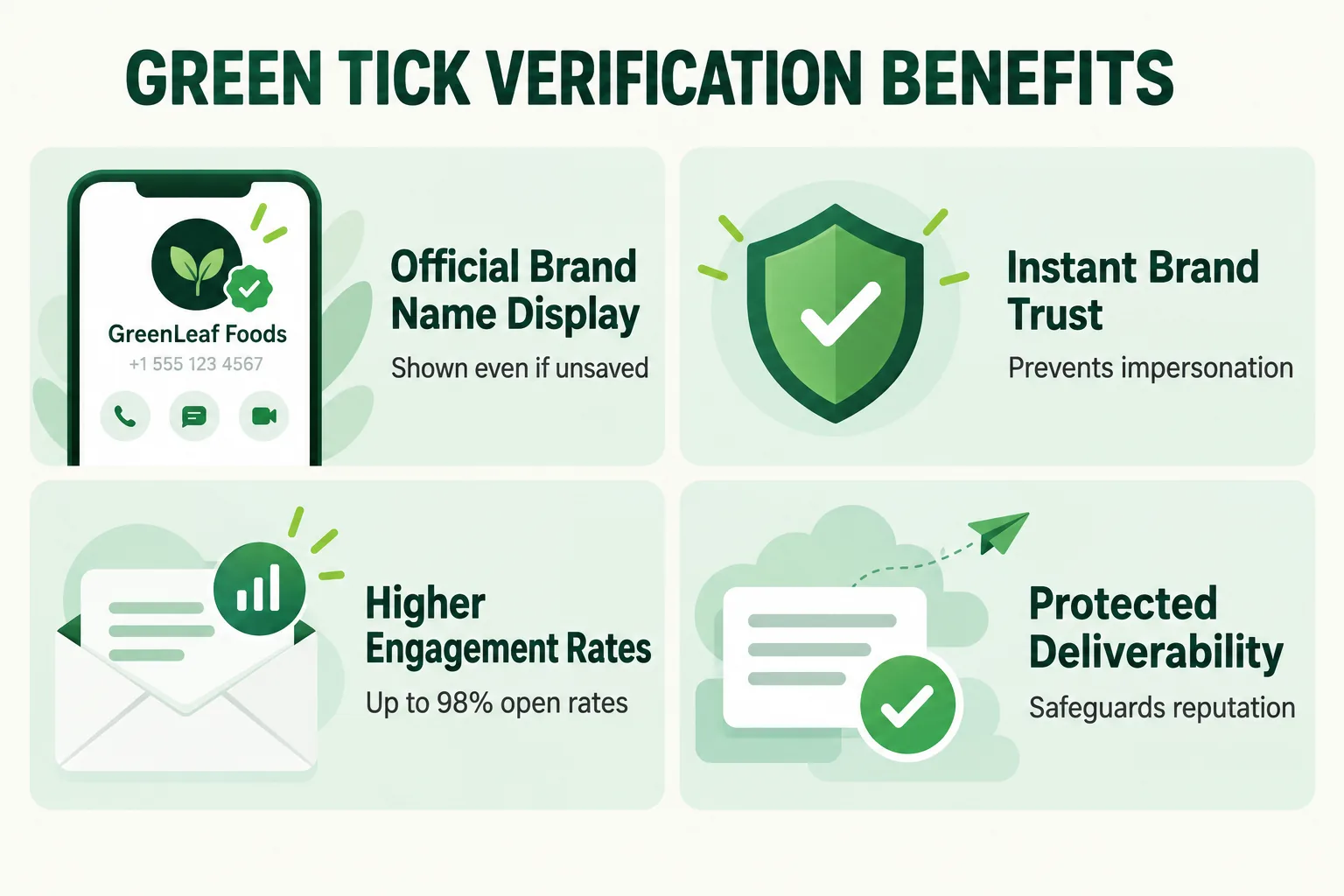
- Easy Brand Recognition: Customers see your business name instead of an unknown number, even if they haven't saved your contact.
- Protection Against Impersonation: The verified badge helps customers identify your official business and avoid fake or misleading accounts.
- Better Customer Engagement: A verified business profile can make customers more comfortable opening and responding to your messages.
Eligibility Requirements Meta Checks Before Approving a Badge
While any registered business can apply for official WhatsApp Business API access, Meta enforces strict criteria before granting Green Tick status:
Business Name and Facebook Business Manager Verification
Your Meta Business Manager account must be fully verified with matching legal documentation (GST certificate, incorporation documents, or official tax records). The display name requested for your WhatsApp account must strictly match your legal entity or registered brand trademark.
Notability and Brand Search Volume
Meta requires proof that the business is notable and frequently searched. Key elements evaluated during review include:
- Organic Media Coverage: Organic features and news articles in reputable regional or national publications (paid press releases are excluded).
- Brand Search Volume: An established online presence and healthy organic search traffic for your brand name.
- Messaging Volume: Active use of an official whatsapp api provider with a healthy messaging history and high-tier messaging limits.
Step-by-Step: Applying for Green Tick Through an API Provider
Securing green tick status involves a structured four-step process:
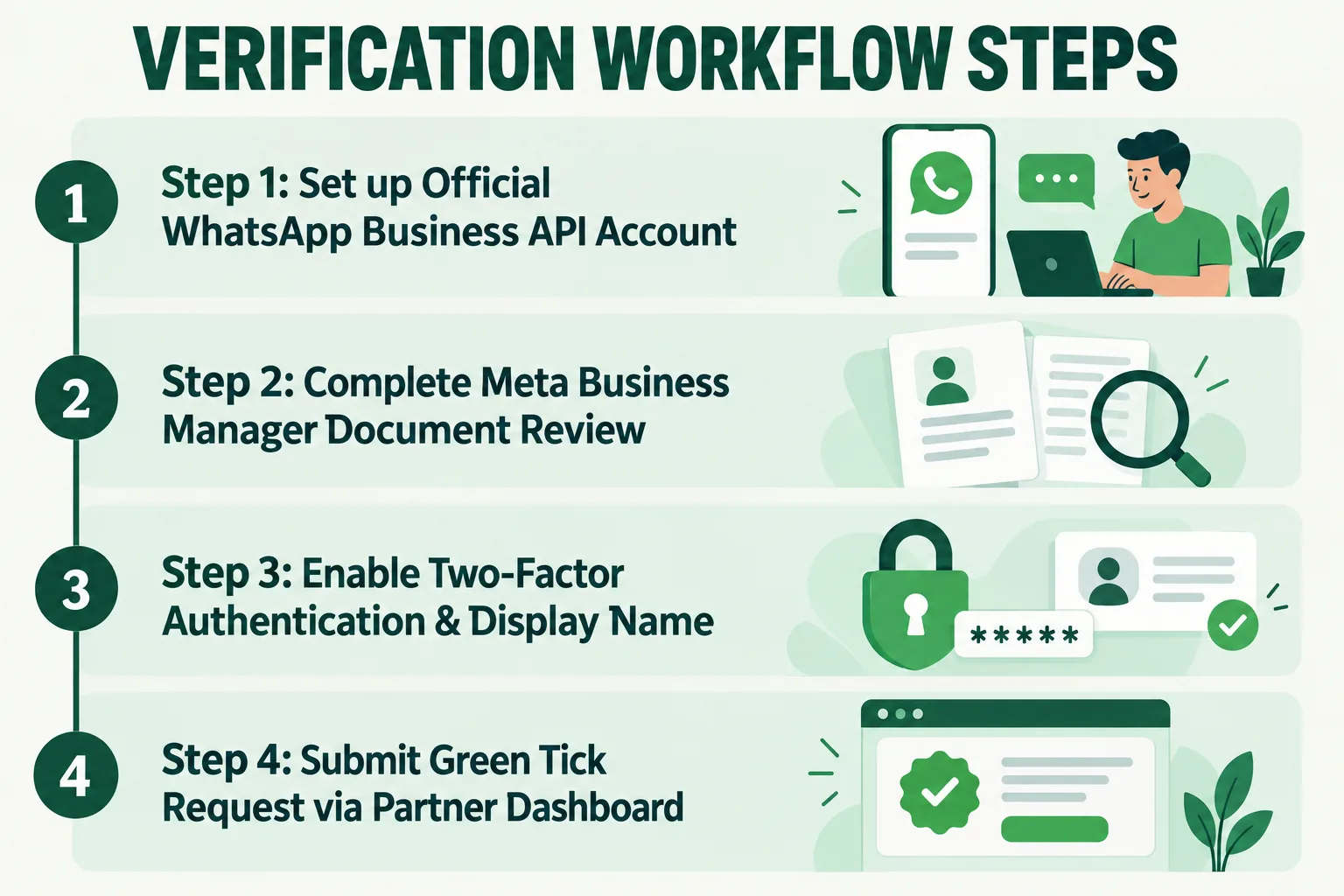
- Provision Your API Account: Set up your cloud API account with an official partner to transition away from personal or unapproved messaging scripts.
- Verify Meta Business Manager: Upload your business registration documents directly within the Meta Business Help Center.
- Establish Messaging History: Maintain high account quality ratings and establish regular conversation volume on the platform.
- Submit Application: Request official verification directly through your partner portal or developer management console at developers.facebook.com.
How Wydely Supports Green Tick Applications
Navigating Meta verification guidelines can be complex. Wydely simplifies the process with complete onboarding and application support:
- Transparent API Platform: Access official WhatsApp API infrastructure with direct pass-through rates and transparent pricing on our pricing page.
- Document Review & Verification Guidance: Our compliance specialists review your display name and documentation prior to submission to maximize approval chances.
- Turnkey Onboarding: From initial API setup to Green Tick application resubmissions, Wydely manages technical setup end-to-end.
To learn how to configure your messaging infrastructure from scratch, read our complete WhatsApp Business API Setup Guide.
FAQs: WhatsApp Green Tick Verification
Q1. How to get a green tick on WhatsApp Business?
To get a green tick on WhatsApp Business, your business needs to meet Meta’s eligibility and verification requirements. You typically need a verified Meta business account, an eligible WhatsApp Business Platform account, an approved business display name, and a credible online presence. Meta makes the final verification decision.
Q2. How do I apply for WhatsApp Green Tick verification?
You can apply for WhatsApp Green Tick verification through the relevant WhatsApp Business Platform or Business Manager interface, depending on your account setup. An official WhatsApp API provider can also help with account setup, documentation, and the application process.
Q3. What documents are required for WhatsApp Green Tick verification?
The documents required can depend on your business and Meta's verification process. Businesses may need official registration or tax documents and information that confirms the legal identity of the business. Your business details should be accurate and consistent across your Meta account and submitted documents.
Q4. Is WhatsApp Green Tick verification free?
The verification badge itself is subject to Meta's eligibility and approval process. However, businesses may still have costs related to WhatsApp Business Platform usage, messaging charges, or the software and services provided by their API provider.
Q5. How much does WhatsApp Green Tick verification cost in India?
There is no simple fixed price for the Green Tick itself. Your overall WhatsApp Business cost can include Meta messaging charges and the fees charged by your WhatsApp API platform or provider.