
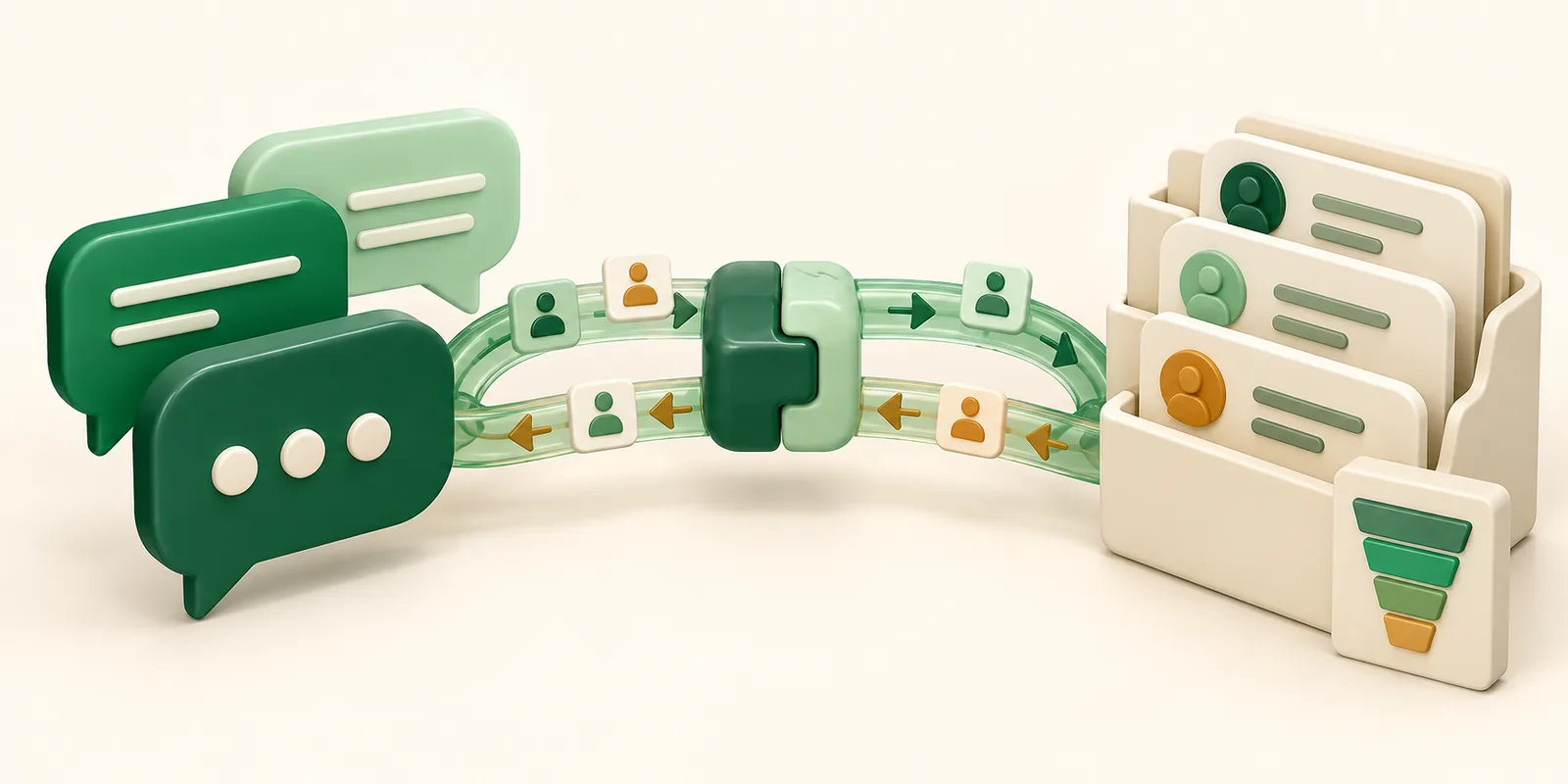
Wydely connects WhatsApp directly with your CRM, turning customer conversations into structured data your sales, support, and marketing teams can act on. Instead of leaving important chats scattered across individual phones or disconnected team apps, the integration keeps WhatsApp conversations and CRM records in sync.
Why WhatsApp Data Needs to Live Inside Your CRM, Not Beside It
Keeping WhatsApp separate from your CRM creates unnecessary work. Without this connection, account reps miss important buyer context, marketing teams struggle to attribute conversations to campaigns, and managers have limited visibility into deal progression.
- Missing Customer Context: Sales reps cannot easily see past support tickets, purchases, or lead details while chatting with a prospect.
- Too Much Manual Work: Teams have to copy chat details, add phone numbers, and update lead stages by hand.
- Poor Campaign Tracking: Marketing teams cannot easily see which WhatsApp campaigns turn into actual sales.
What You Can Sync Between WhatsApp and Your CRM
Connecting your messaging platform to your CRM through official APIs and webhooks allows customer data to flow between both systems in real time.
| Sync Direction | WhatsApp → CRM | CRM → WhatsApp |
|---|---|---|
| Leads | Automatic Lead Creation | Workflow Broadcast Triggers |
| History | Inbound Media & Chat History | Contact Lifecycle Updates |
| Responses | Interactive Button Responses | Personalized Dynamic Tokens |
| Status | Message Read/Delivered | Automated Owner Re-routing |
Lead and Contact Sync
- Automatic Lead Creation: WhatsApp inquiries automatically create Lead or Contact records in your CRM with details like phone number, opt-in status, and source.
- Customer Data Sync: Information collected through chatbots, such as product preferences or company size, automatically updates the relevant CRM fields.
Conversation History and Tags
- Complete Chat History: Messages, images, PDFs, and delivery status are automatically saved to the customer's CRM record.
- Automatic Tag Updates: Tags like “High Intent” or “Support Escalation” are automatically synced with the CRM record.
Step-by-Step: Connecting Shopify, Zoho or HubSpot to Wydely
Authenticate Your Official WhatsApp API
Link your Meta Business Manager portfolio and verified phone number to access standard WhatsApp API capabilities.
Authorize Your CRM Application
Navigate to the integration marketplace in your CRM (e.g., HubSpot App Marketplace or Zoho Marketplace) or access the Wydely integration portal to connect your account via OAuth.
Map Contact Fields & Webhook Events
Map standard fields (First Name, Mobile Number, Email) and configure custom properties to ensure clean data routing between platforms.
Configure Automated Workflows
Set up automated triggers in your CRM or Shopify store (e.g., dispatching an order confirmation or an abandoned cart recovery template when a pipeline stage changes).
Common Integration Mistakes to Avoid
- Using Unofficial Tools: Unauthorized tools can lead to account bans and may stop working when APIs change.
- Ignoring Opt-In Rules: Make sure customers give permission before sending them marketing messages.
- No Role-Based Access: Control who can view customer chats to reduce the risk of data leaks and confusion.
- Hidden Pricing Markups: Check for extra vendor charges on top of Meta's messaging fees, especially as your message volume grows.
How do I connect WhatsApp to my CRM?
You can connect WhatsApp to your CRM using the official WhatsApp Business Platform, APIs, webhooks, and an integration platform such as Wydely. This allows customer messages, contact details, and other data to sync between WhatsApp and your CRM.
What is WhatsApp CRM integration, and how does it work?
WhatsApp CRM integration connects your WhatsApp conversations with your CRM so customer messages, contact information, tags, and activity can be managed from one system.
Can WhatsApp messages be automatically saved in a CRM?
Yes. With a proper WhatsApp CRM integration, incoming and outgoing messages, media, delivery status, and customer details can be automatically logged against the relevant CRM contact.
Can I integrate WhatsApp with Zoho CRM?
Yes. WhatsApp can be connected with Zoho CRM to sync customer conversations, contact information, and automated workflows. Wydely can help businesses connect WhatsApp with their existing CRM setup.
Can WhatsApp CRM integration automatically create new leads?
Yes. When a new customer contacts your business on WhatsApp, the integration can automatically create a lead or contact in your CRM and map details such as their phone number, source, and other captured information.