
Updated
Wydely helps teams prepare WhatsApp campaigns for eligible audiences. Follow current WhatsApp rules, respect recipient permission and account limits, and measure the actual delivery and response outcomes of your campaign.
Official access still has conditions
No provider can guarantee that an account will avoid restrictions. Check recipient permission, template eligibility, account quality and sending limits before each campaign.
What can a WhatsApp campaign do?
A campaign can deliver a relevant update and invite a customer response. Use supported media and message types, and plan who will handle replies. Review Wydely’s campaign workflow and measure delivery, responses and verified outcomes separately.
The Right Way vs. The Wrong Way to Send Bulk WhatsApp Messages
When businesses search for bulk WhatsApp software, they usually come across two options: unofficial tools or the official WhatsApp Business API. Choosing the right option is important because it can impact your brand’s image, customer trust, and account safety.
Using Unofficial Tools: Why It’s Risky
Use the official account and messaging route for your business. Review the WhatsApp Business Messaging Policy before choosing a tool; a product that promises unrestricted sending or bypasses account controls is not a basis for a compliant campaign.
Using the Official WhatsApp Business API
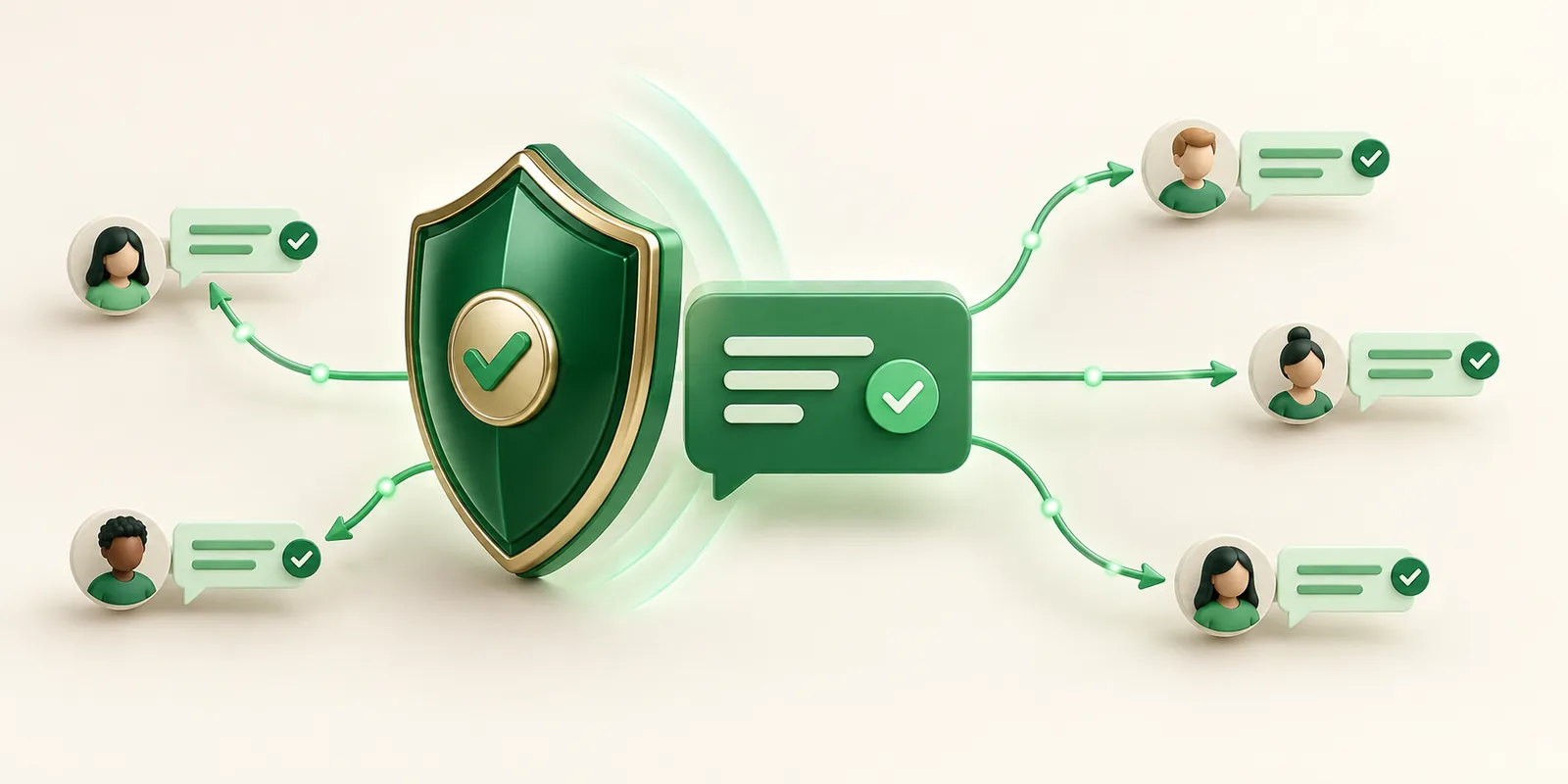
The official WhatsApp Business Platform provides a supported route for business messaging. Sending remains subject to the recipient’s permission, message eligibility, account status and platform enforcement. Provider setup does not guarantee a badge, a particular sending volume or freedom from restrictions.
Step-by-Step: How to Send Bulk WhatsApp Messages with Wydely
Use this checklist to prepare one campaign in Wydely. Confirm the current account setup, plan capacity and template status before enabling a send:
Connect Your API
Create your Wydely account and follow the supported WhatsApp account connection steps. Confirm the required permissions and phone-number eligibility.
Upload Your Contacts
Import only contacts you are entitled to message. Verify country codes, customer permission and opt-out status before selecting the audience.
Submit Your Template
Prepare the appropriate message template and submit it through the supported workflow where approval is required. Check its current status before use; approval and review timing are controlled by Meta.
Schedule and Launch
Review the eligible audience, variable values, account limits and message charges. Test the intended journey, then schedule the campaign and monitor replies, opt-outs and delivery outcomes.
Start with an eligible audience and a message worth receiving.
Practices that support responsible messaging
Even when using the official API, recipient reports, policy violations and account status can affect access. Use these checks and monitor the current status of your account:
- Confirm permission: Keep a record of the recipient’s permission for the intended messages. Do not purchase a list for unsolicited outreach.
- Honor opt-outs: Provide a clear way to stop updates and test that the request excludes the recipient from future campaigns.
- Keep messages relevant: Use a suitable audience and frequency, and investigate negative feedback before expanding a campaign.
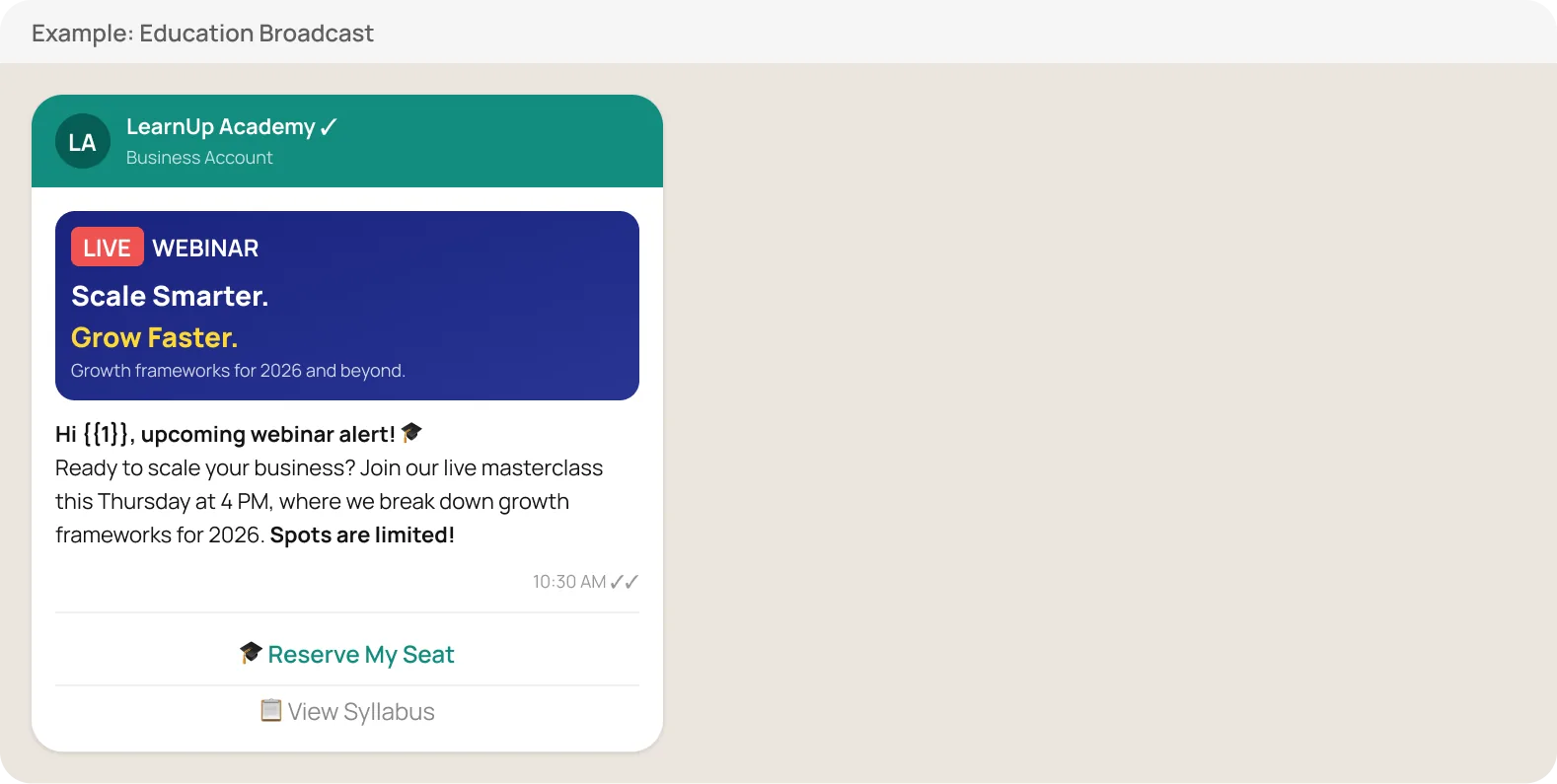
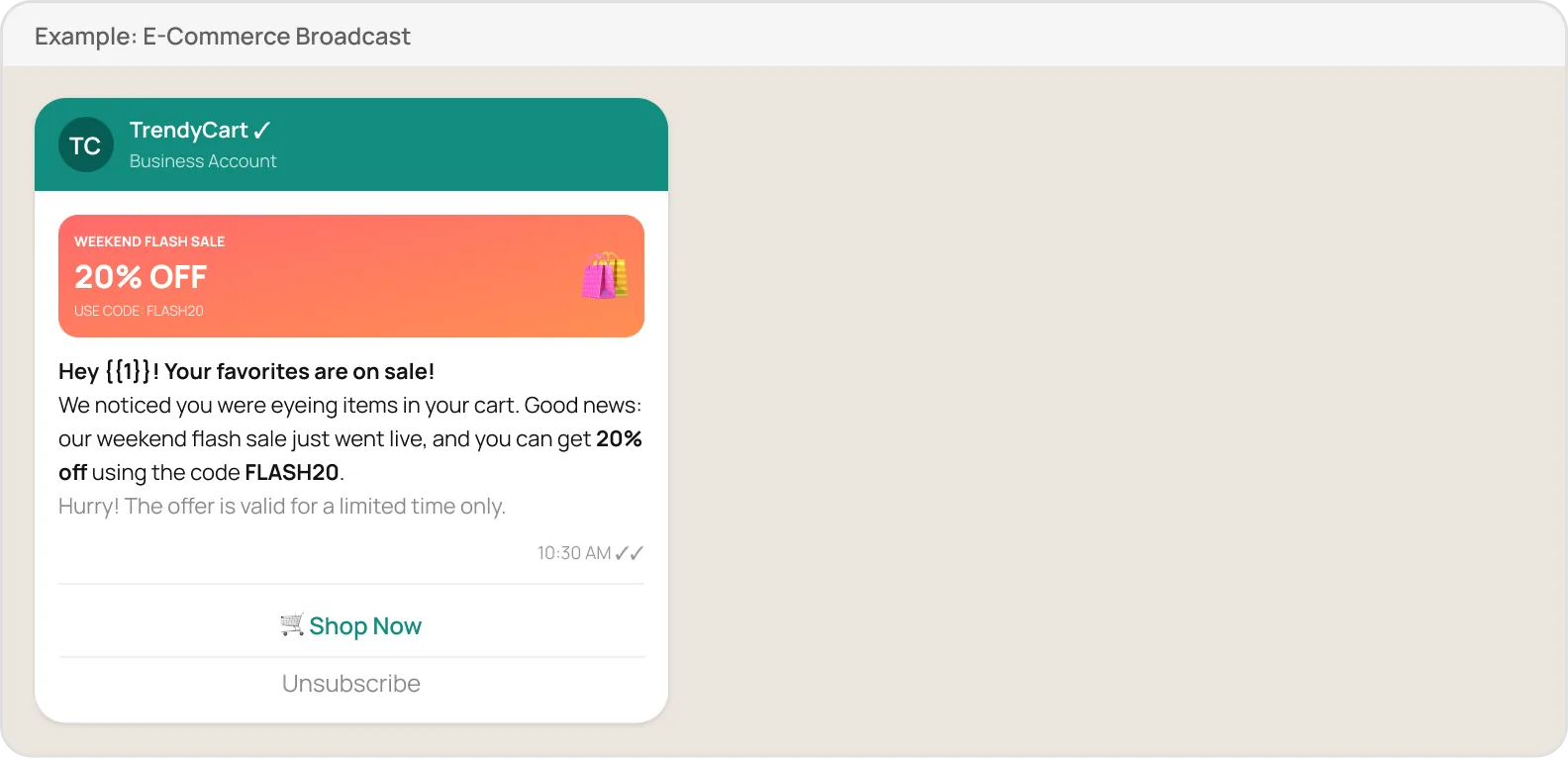
Illustrative WhatsApp message templates
The examples below illustrate message structure, not approved templates or promised results. Adapt the content to your business and recipient permission, confirm the category and complete the applicable review before use.
Frequently Asked Questions
Can I send bulk messages using the WhatsApp Business app?
The Business app and Business Platform have different broadcast capabilities and account requirements. Check the options available in your account. Neither product grants permission to send unsolicited promotional messages.
What can trigger WhatsApp messaging restrictions?
Recipient blocks and reports, policy violations and account quality can affect messaging access. Monitor the current status in your account and follow Meta's recovery process if a restriction appears.
How should an opt-out request be handled?
Give recipients a clear way to stop updates and honor their request before sending further marketing. Test that the request updates your contact records and excludes the recipient from later campaigns; an opt-out button alone does not guarantee this.